GBP Audit is installed
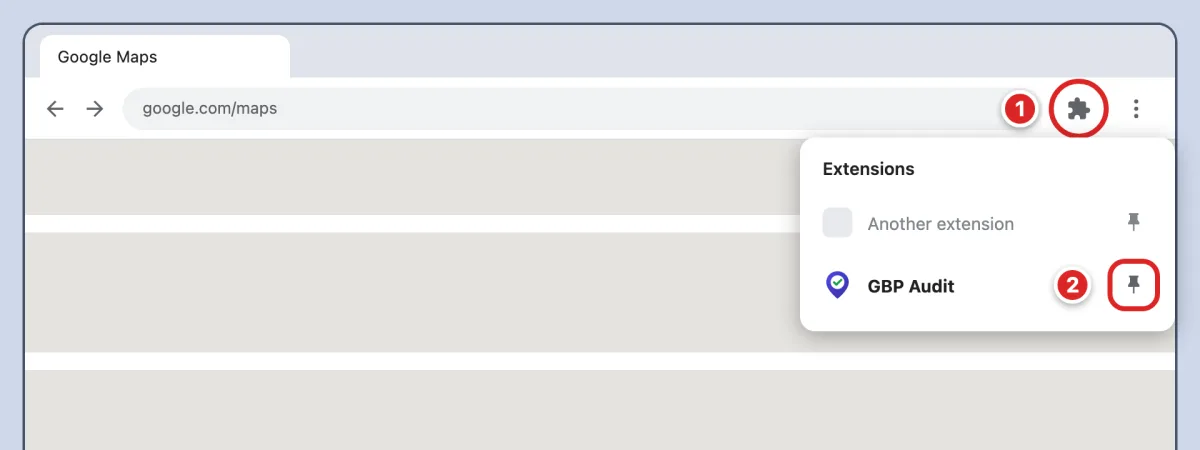
Click the puzzle piece (1) in the top right of your browser. Then click the pin (2) next to GBP Audit:
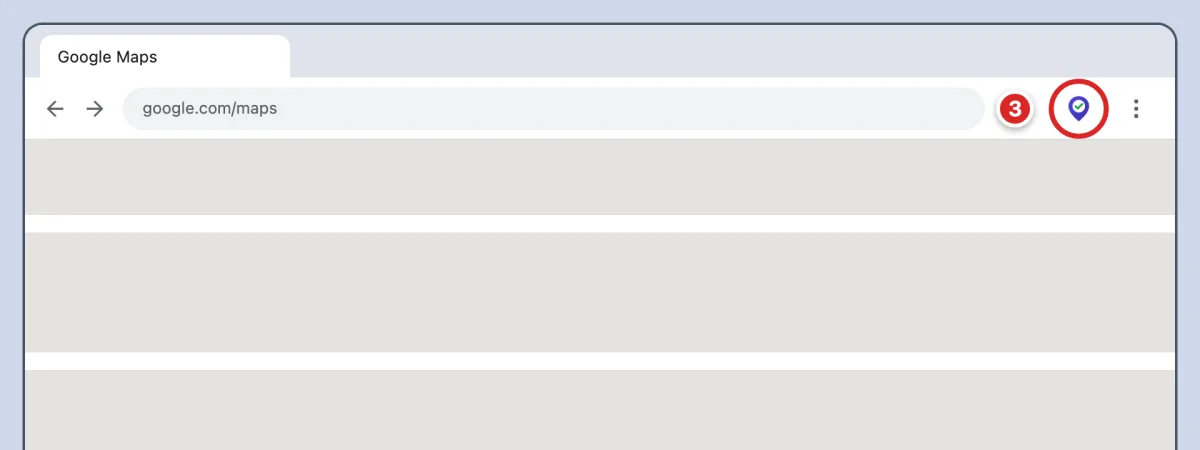
Now you can open GBP Audit with one click (3):
Already pinned? See how to use GBP Audit
GBP Audit is ready
It is already on your toolbar. Here is how to audit a business:
-
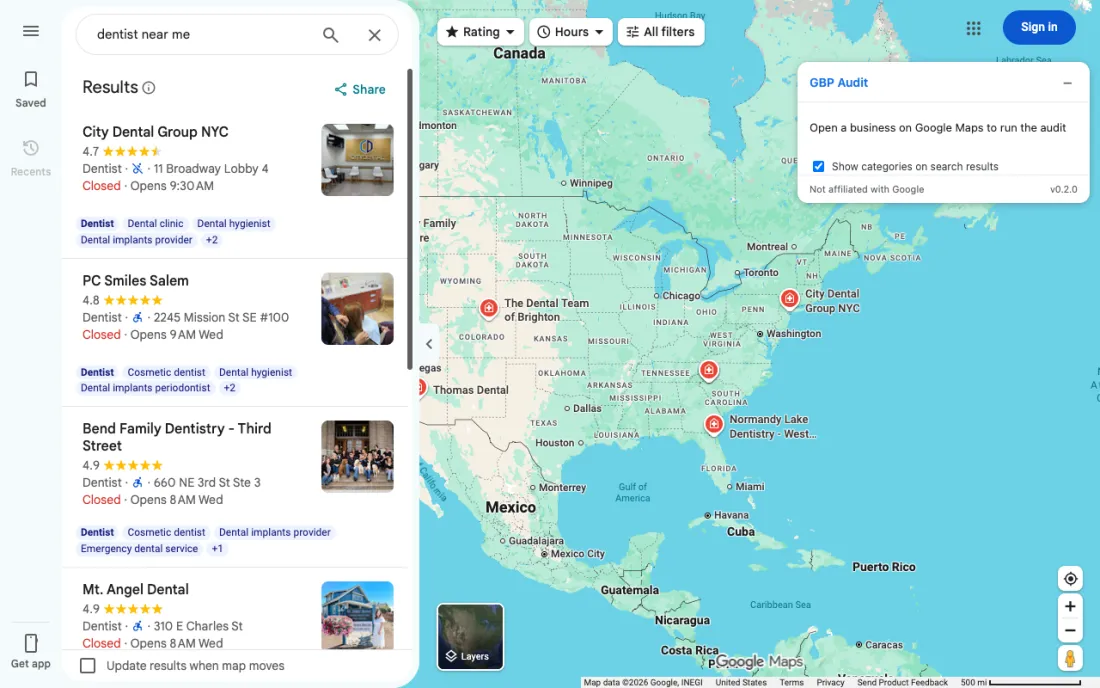
1Search on Google Maps
Open Google Maps and search for a business or a category:
-
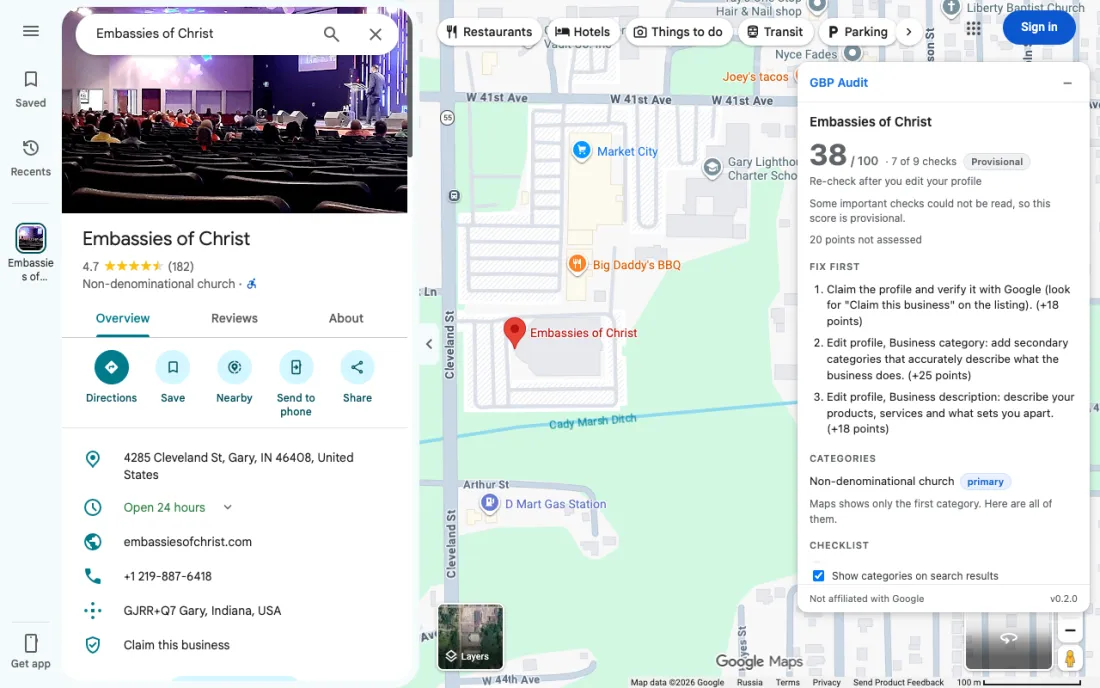
2Click a business
The audit appears in the panel on the right:
-
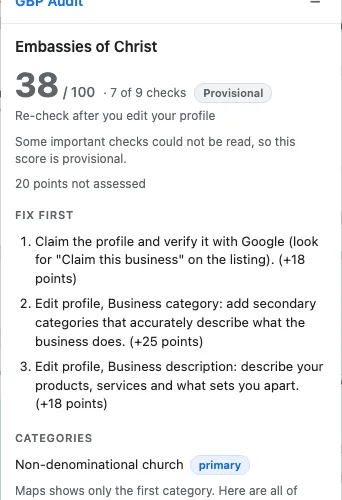
3Fix the top items first
Start with "Fix first". It lists the changes that add the most points:
Don't see the icon on your toolbar? Show how to pin it